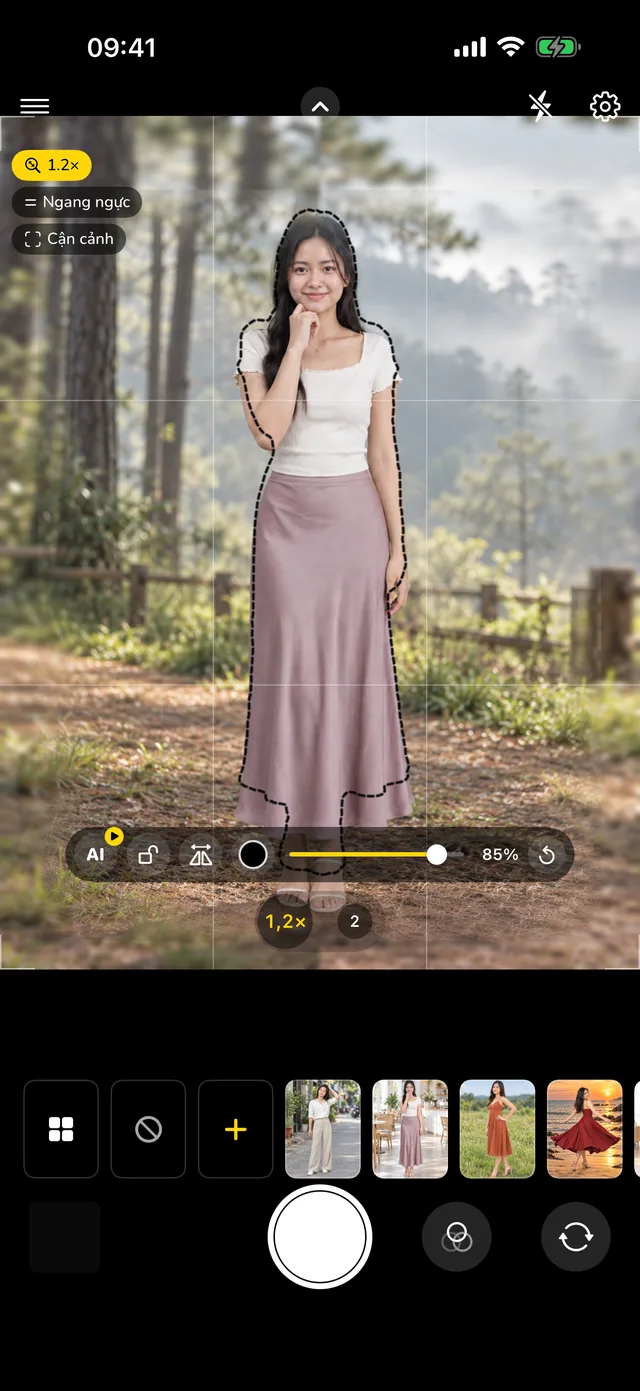
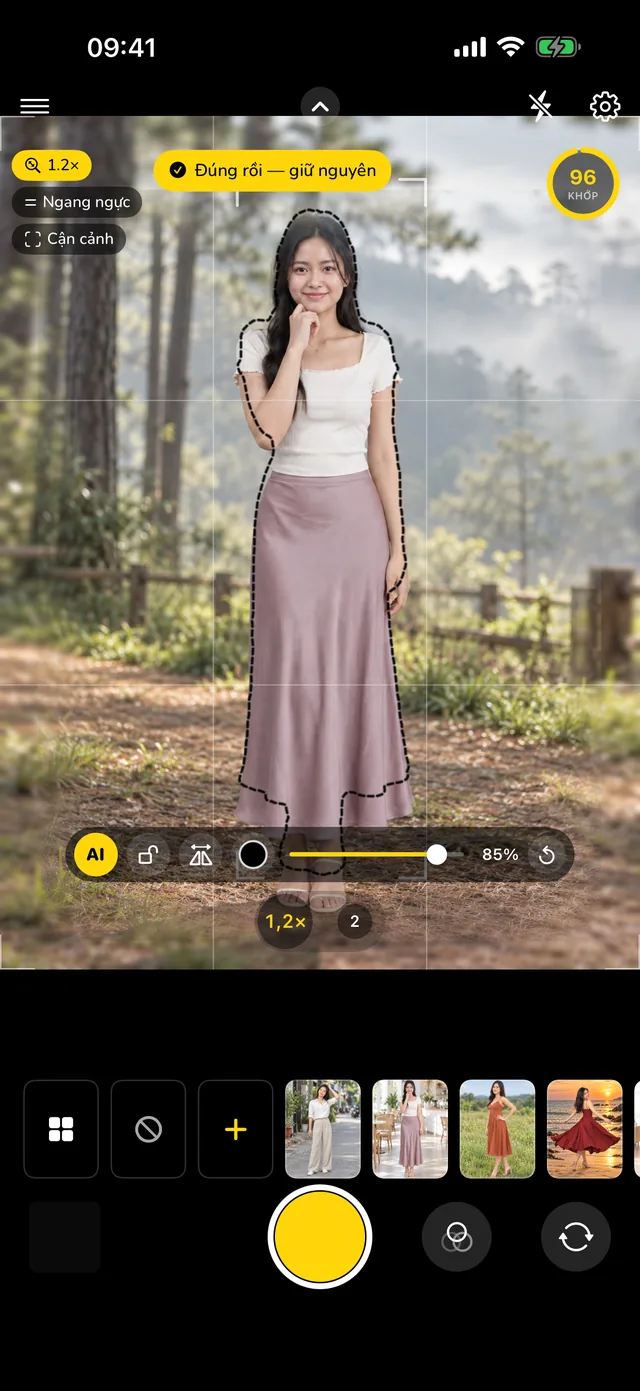
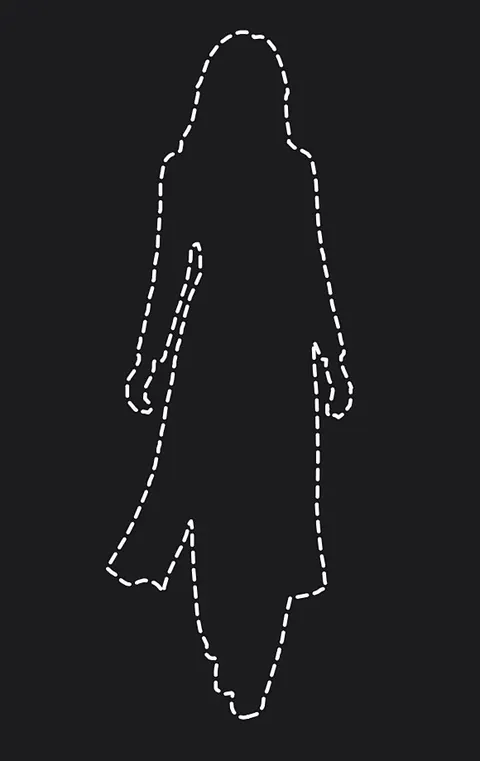
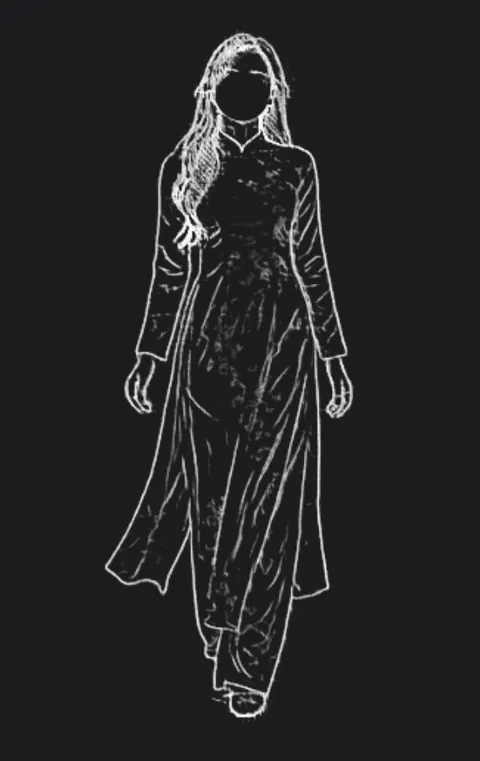
Dáng mẫu hiện ngay trên màn hình camera. Căn người vào khung, đợi vòng điểm chuyển vàng, rồi bấm chụp.The pose sits right on your camera. Line the person up, wait for the ring to turn yellow, then shoot.
Chọn một dáng, hình mẫu phủ lên khung ngắm. Kéo, xoay, phóng to, lật gương cho vừa người thật.Pick a pose and it sits over the viewfinder. Drag, turn, resize or mirror it to fit the person.

App nhắc chỉnh tay, chân, vai. Khi khớp, máy rung nhẹ và tự chụp.It coaches arms, legs and shoulders. On a match the phone buzzes and takes the shot.

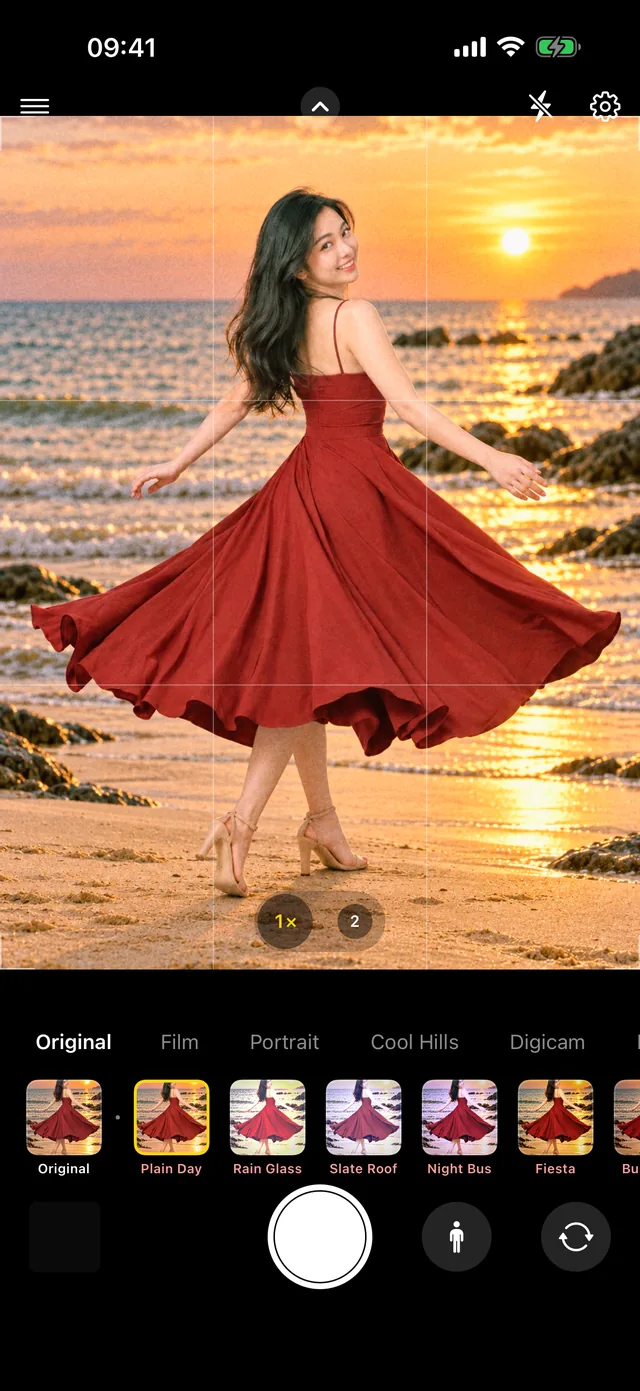
Xem màu trực tiếp khi ngắm, chụp xong là có ảnh đẹp, không cần chỉnh thêm.See the look live while you frame, and the photo is done when you shoot.

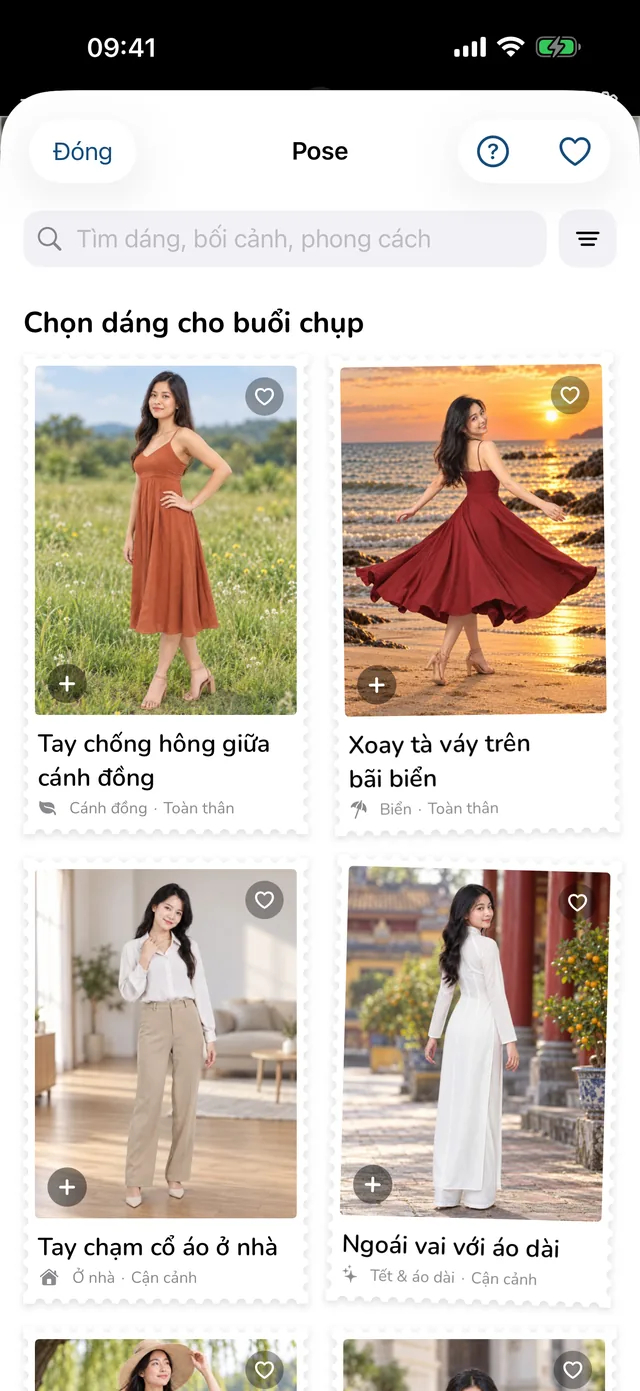
Một mình, cặp đôi, gia đình. Cà phê, phố cổ, bãi biển. Mỗi dáng có ảnh mẫu và mẹo tạo dáng.Solo, couples, family. Cafés, old town, beach. Every pose has a sample photo and tips.


Chia sẻ ảnh từ ứng dụng khác hay trình duyệt, hoặc chọn trong máy. Người trong ảnh được tách ngay trên điện thoại.Share a photo from another app or a browser, or pick one on your phone. The person is found right on your phone.


Phố cổOld town
Bãi biểnBeach
Cà phêCafé
Sân thượngRooftop
Áo dàiÁo dài
Cầu thangStairs
Cánh đồngFields
Ở nhàAt home
Dạo phốStreet
Du lịchTravelTải về miễn phí, toàn bộ dáng đều miễn phí. Một số tính năng mở bằng một quảng cáo ngắn, hoặc nâng cấp Pose Camera Pro để dùng không giới hạn.It is free to download and every pose is free. Some features unlock with a short ad, or upgrade to Pose Camera Pro for unlimited use.
Không. Mọi xử lý chạy ngay trên điện thoại. Xem Chính sách quyền riêng tư.No. Everything runs on your phone. See the Privacy Policy.
Có 2 cách:Two ways:
Ảnh sẽ thành guide ngay trên máy, không tải lên đâu cả.The photo becomes a guide right on your phone and is never uploaded.
iPhone: Cài đặt → [tên bạn] → Đăng ký → Pose Camera → Huỷ. Android: Google Play → Thanh toán và gói thuê bao. Bạn vẫn dùng Premium tới hết kỳ đã trả.iPhone: Settings → [your name] → Subscriptions → Pose Camera → Cancel. Android: Google Play → Payments & subscriptions. Premium stays until the end of the period you paid for.
Mở màn Pose Camera Pro, bấm Khôi phục giao dịch, đăng nhập đúng Apple ID hoặc tài khoản Google đã mua.Open the Pose Camera Pro screen and tap Restore purchase, signed in with the Apple ID or Google account you bought with.
iPhone: Cài đặt → Pose Camera, bật Camera và cho phép Ảnh (Chỉ thêm ảnh). Android: Cài đặt → Ứng dụng → Pose Camera → Quyền. Nếu app khác đang dùng camera, hãy đóng nó rồi mở lại.iPhone: Settings → Pose Camera, turn on Camera and allow Photos (Add Photos Only). Android: Settings → Apps → Pose Camera → Permissions. If another app is using the camera, close it and reopen.
Mọi thứ Pose Camera lưu đều ở trên máy; gỡ ứng dụng là xoá hết. Muốn xoá dữ liệu thống kê, hãy email cho chúng tôi.Everything Pose Camera keeps is on your device; removing the app deletes it. To delete analytics data, email us.
iPhone và iPad từ iOS 15 (có cả iPhone Duo, dùng được cả hai màn hình), Android từ Android 7.iPhone and iPad on iOS 15 or later (including iPhone Duo, on both displays), and Android 7 or later.
Email cho chúng tôi kèm dòng máy và phiên bản iOS hoặc Android. Chúng tôi thường trả lời trong 2 ngày làm việc.Email us with your phone model and iOS or Android version. We usually reply within two working days.


Tải miễn phí. Ảnh luôn ở trên máy bạn.Free to download. Your photos stay on your phone.